
//

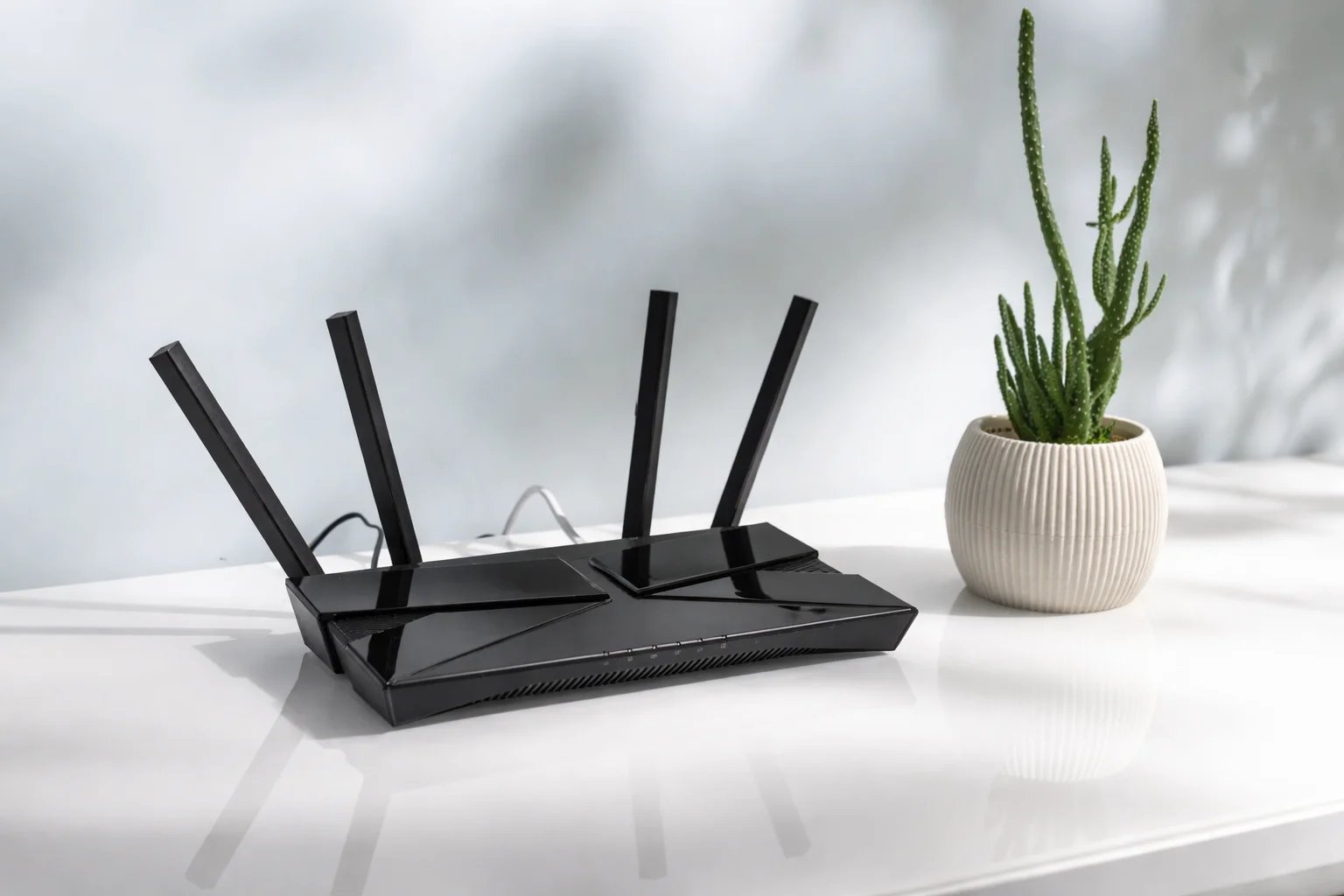
Understanding broadband routers, how they work, what they do, and how to choose and set up the right one for your home.
A broadband router is a device that connects your home to the internet and creates a Wi-Fi network so your devices can access the internet wirelessly. It's the central hub of your home network, managing all your internet traffic.
When you sign up for broadband, your provider usually gives you a router (sometimes called a modem-router or hub). It connects to the internet via your phone line or fibre connection and shares that connection with all your devices.
The basic process:
What it does:
Physical components:
Internal components:
Modem-router (combined):
Separate modem and router:
Mesh routers:
Wi-Fi 6 routers:
Internet connection:
Network creation:
Wi-Fi provision:
Security:
Traffic management:
Initial setup:
Accessing settings:
Common settings:
If provider supplies one:
If buying your own:
What to look for:
For large homes:
No internet connection:
Slow Wi-Fi:
Weak signal:
Can't connect:
Change default password:
Enable encryption:
Other security:

Technology & Digital Infrastructure Writer
Understanding why Wi-Fi is slow in some rooms, common causes, and solutions including Wi-Fi extenders, mesh systems, and powerline adapters.
Understanding the difference between routers and modems, what each does, when you need one or both, and modern combined devices.
Understanding the difference between Fibre to the Cabinet (FTTC) and Fibre to the Premises (FTTP) broadband connections.